Yuki Tamura
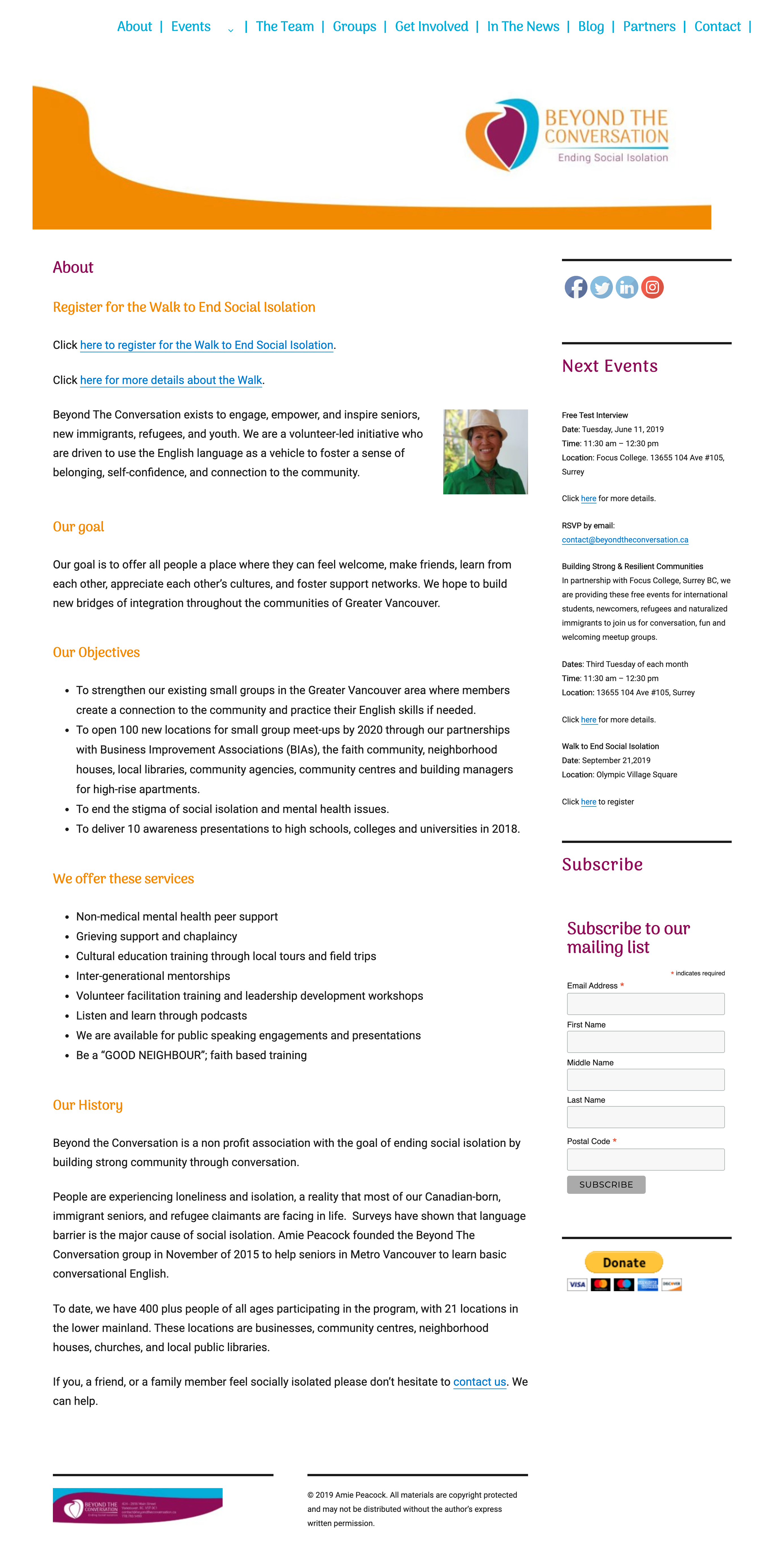
Beyond The Conversation is a volunteer-led initiative who are driven to use the English language as a vehicle to foster a sense of belonging, self-confidence, and connection to the community.
3 UX Designers
2 UI Designers
3 Web Developers
As the designer, my task included research, planning, wire-framing, and prototyping.
Summer 2019 (6 weeks)
Beyond The Conversation
Redesigning Beyond The Conversation’s website to create a welcoming platform that reflects the organization’s work for users. A warm and inviting platform, that instantly conveys client's passion for connecting with people.
I conducted the end-to-end research and design process, from surveying both Japanese people and non-Japanese people to validating design decisions by usability testing with target users. My design evolved through several rounds of iteration at different stages.
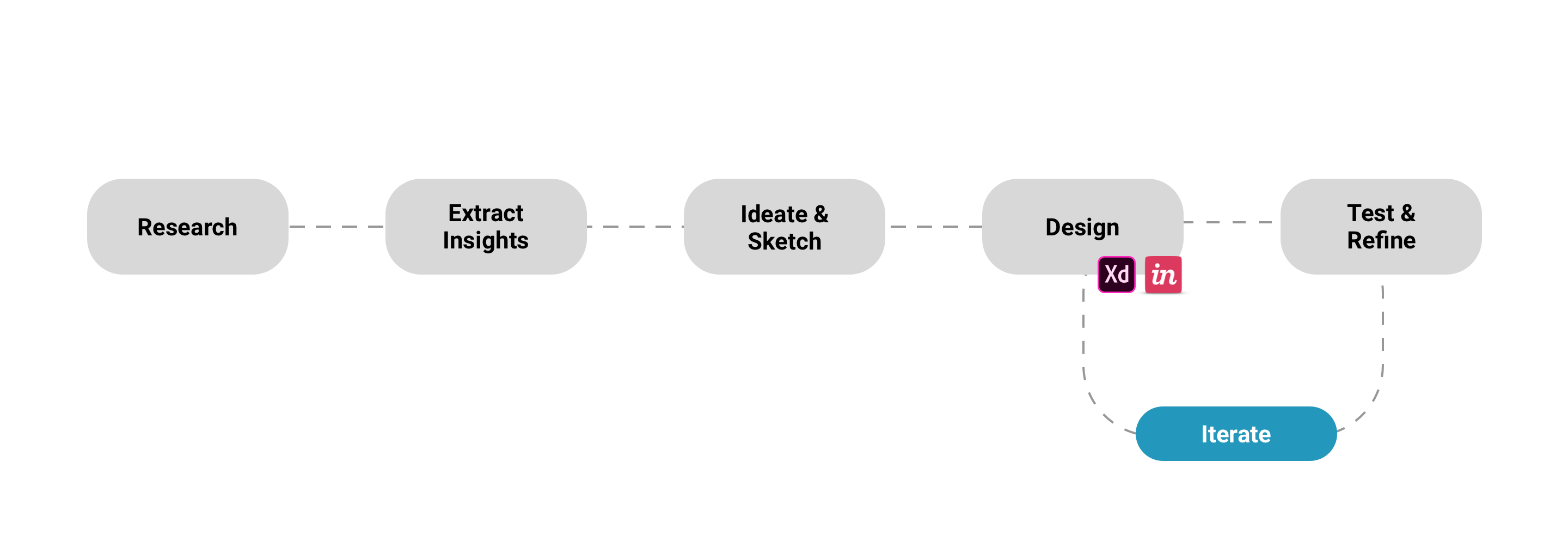
Before designing anything, we conducted some research to have better understading about the clients, website, and its users.
Our lack of knowledge about current situation in Vancouver meant we needed to understand it. We did some domain research. This helped us a lot to briefly understand domain and our users.
We conducted user survey and user interview to understanding users more and find out their pain points and what they need for the website. User survey and Interview revealed that feeling towards current client's website when they use it.
We looked at current Beyond The Conversation website to see what could be improved to address user needs.
We also conducted usability testing on the current website to find out the current pain points that the website has.
Once we collected all the data we needed, we created an Affinity Diagram to find patterns from our research.
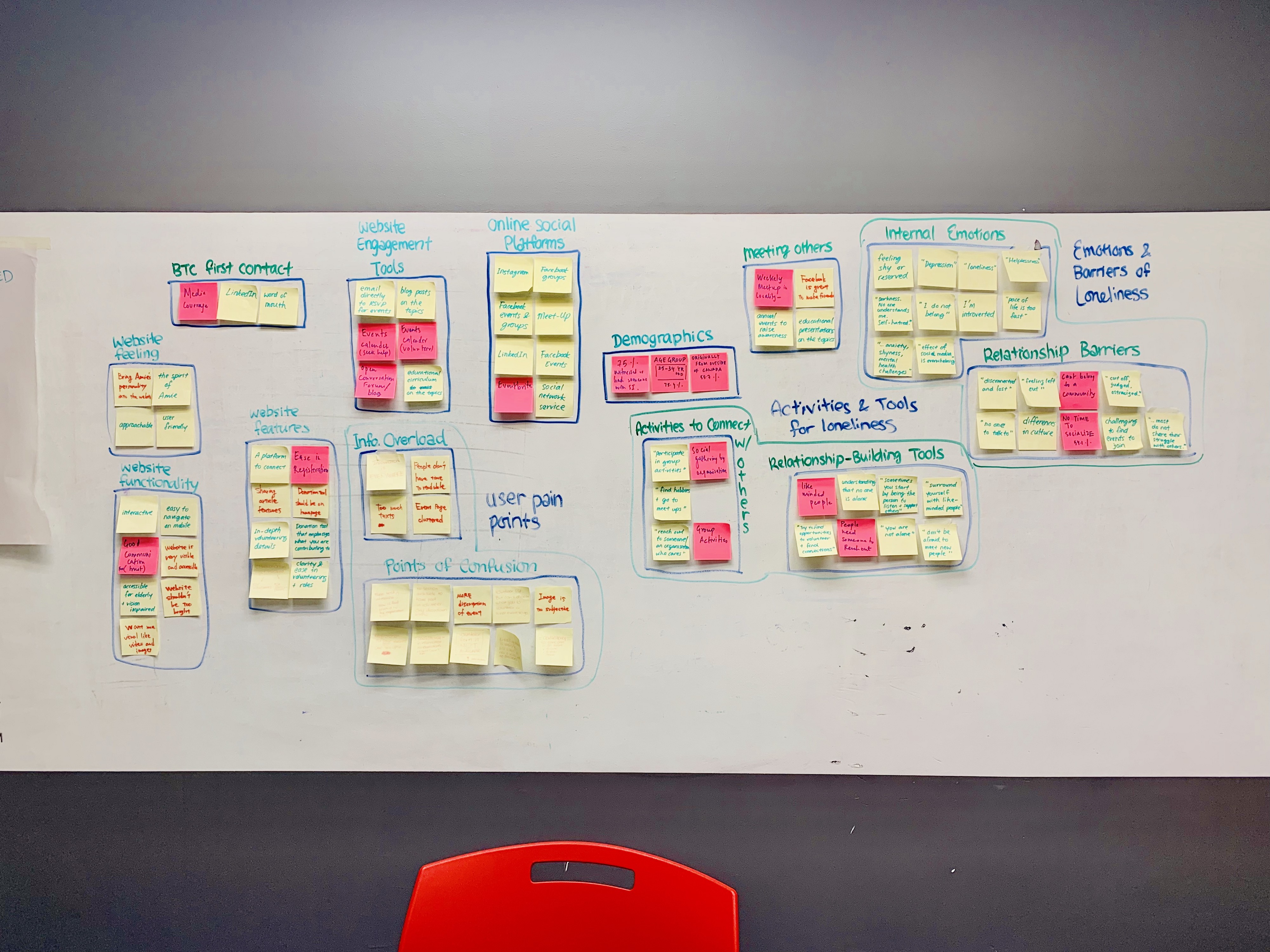
As a result of conducting affinity diagram, we were able to find out that 4 main pain points that we needed to address in the next phase of our design process.
From the research and usability testing, we found out that information architecture on the current website was a significant shortcomings for users. Also, The current website had too much information and they are not organized well, which confused users.
Since our users are, from young people to seniors, the website was not optimized for various users especially in terms of accessibility. For example, texts on the website were too small for some people who have some eye issues.
Some information was not enough to appeal what the organization does to users. Our research revealed that many users felt that contents and copies on the current website didn't have enough information or were outdated which make users skeptical about the organization. For example, the Volunteer page didn’t explain what they are doing for the volunteers. Also, donation page didn't explain what the organization use money for.
We decided to give the users a feeling of pleasing by improving the overall look of the website.
We developed several personas based on our research. The personas represent the user’s pain points and goals.
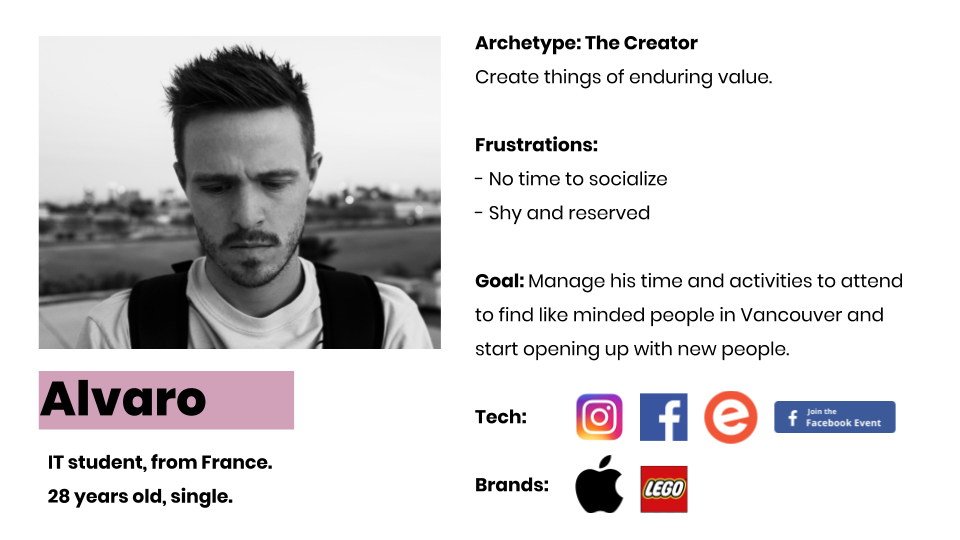
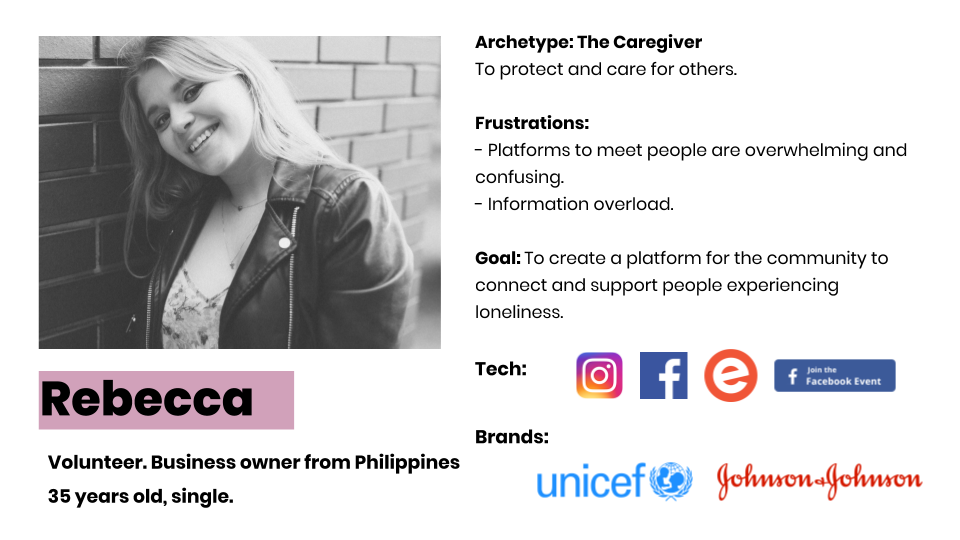
Before starting any design, we spent great amount of time to make sense of workflows and existing content.
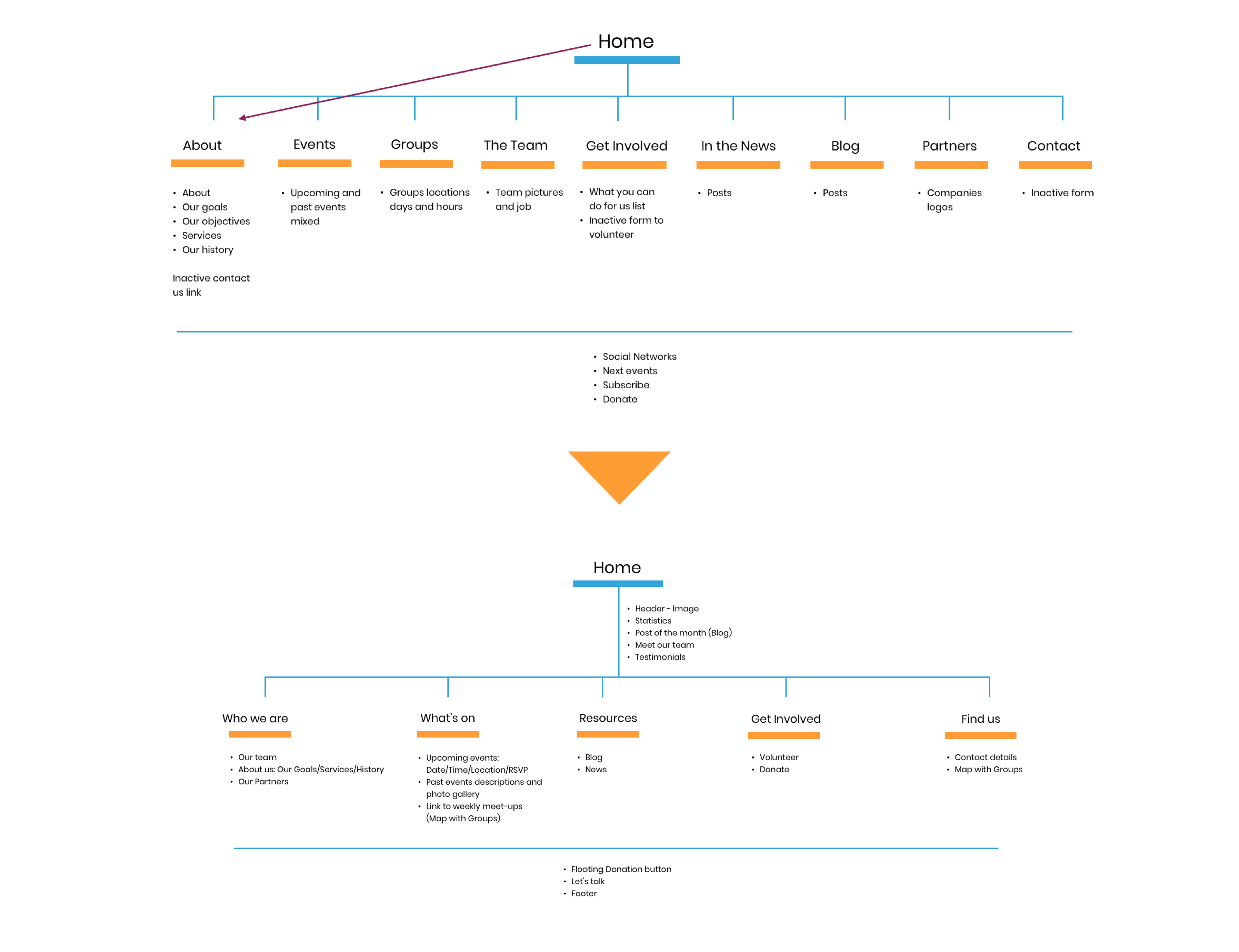
Meanwhile, we held several rounds of meetings with client to do a full review of the contents on current website.
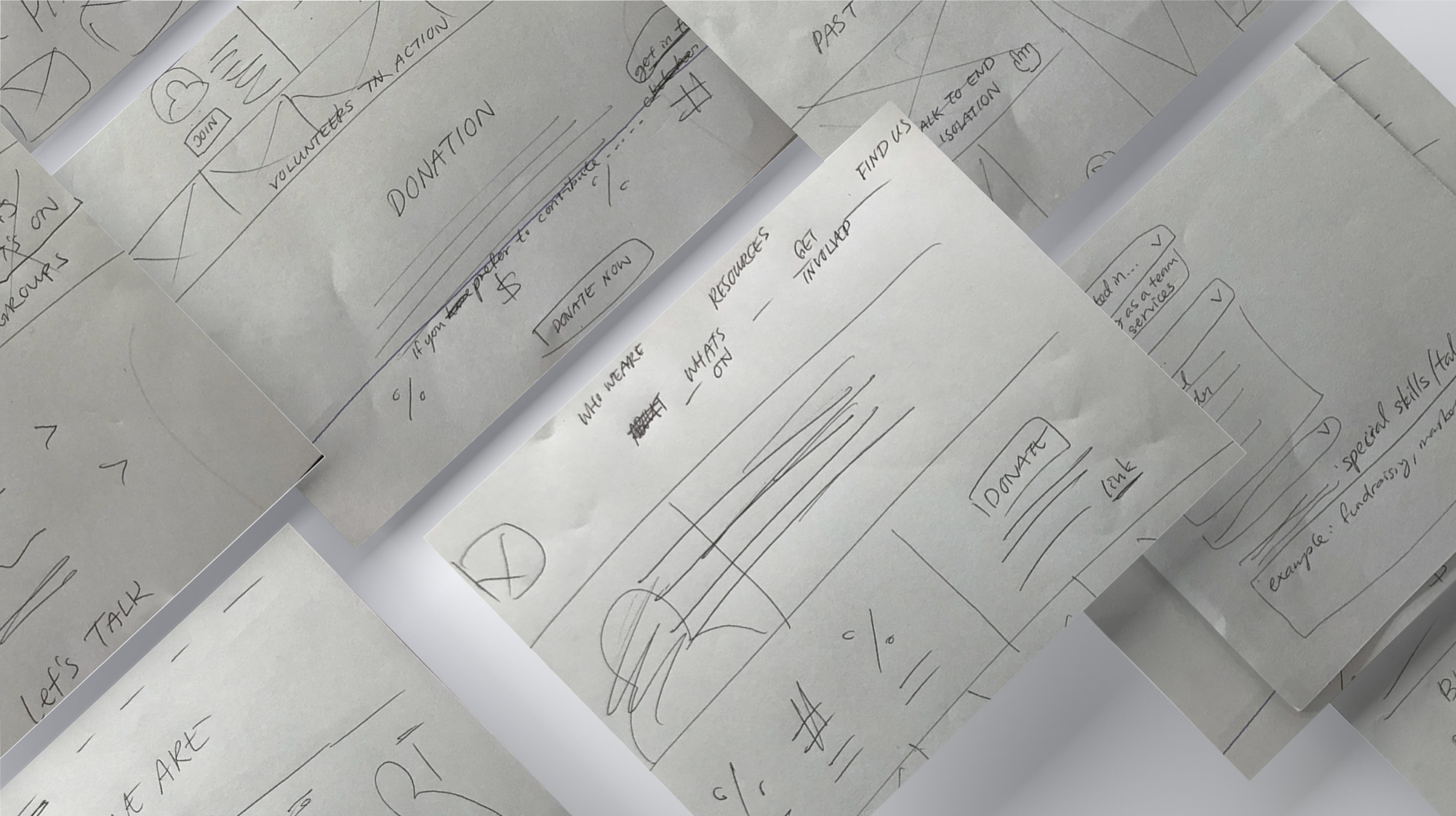
First of all, we grabbed pen and papers and drew what we discussed on the paper. Doing so helped us to understand the particular points where we could try to innovate.
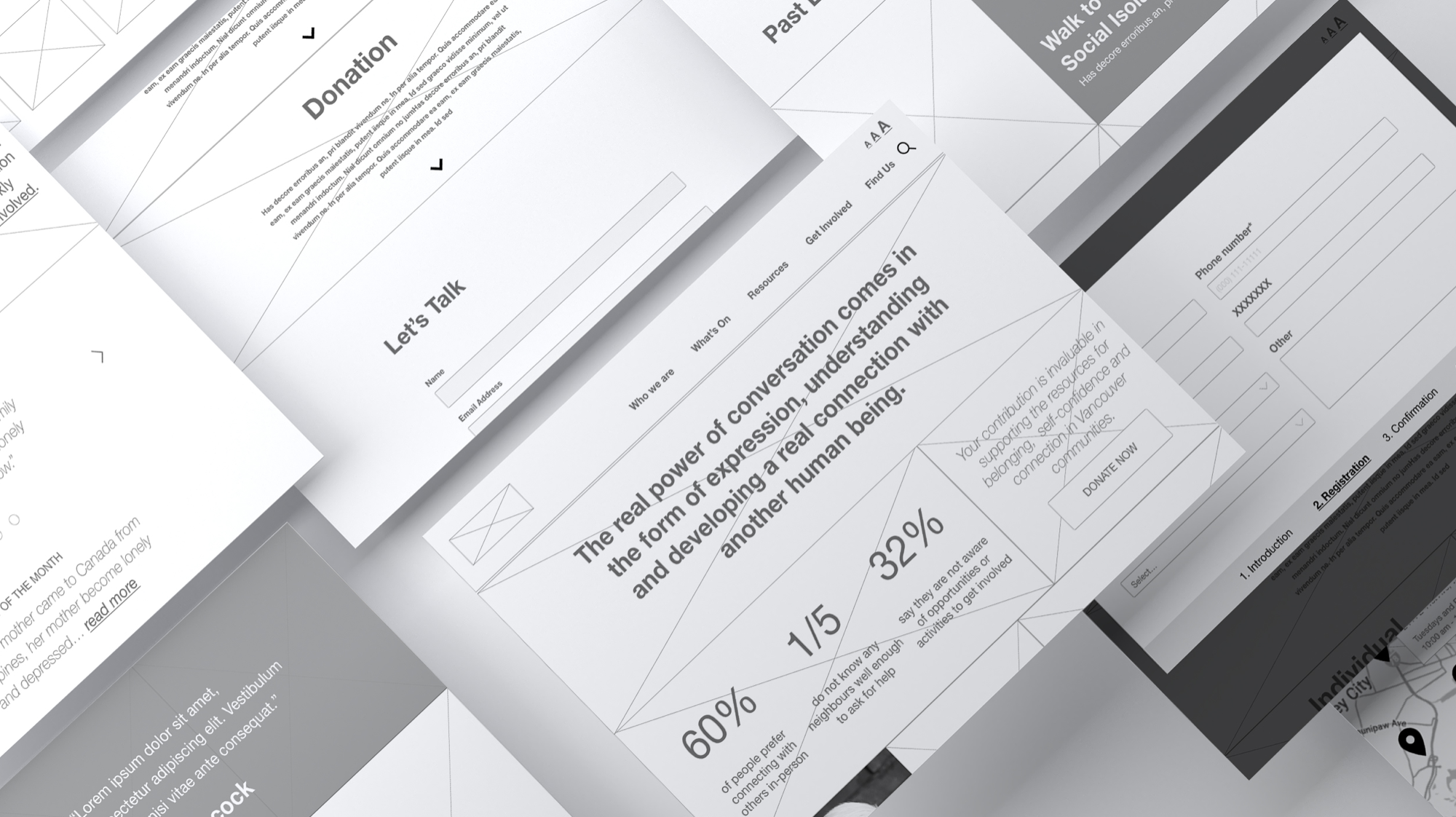
We digitized what we had on the paper and create some prototypes. This helped us a lot to understand how our design works in a deep level.
Once we finished mid-fidelity wireframe and usability testing, we passed the design file to the UI team and they designed the hi-fidelity wireframe.
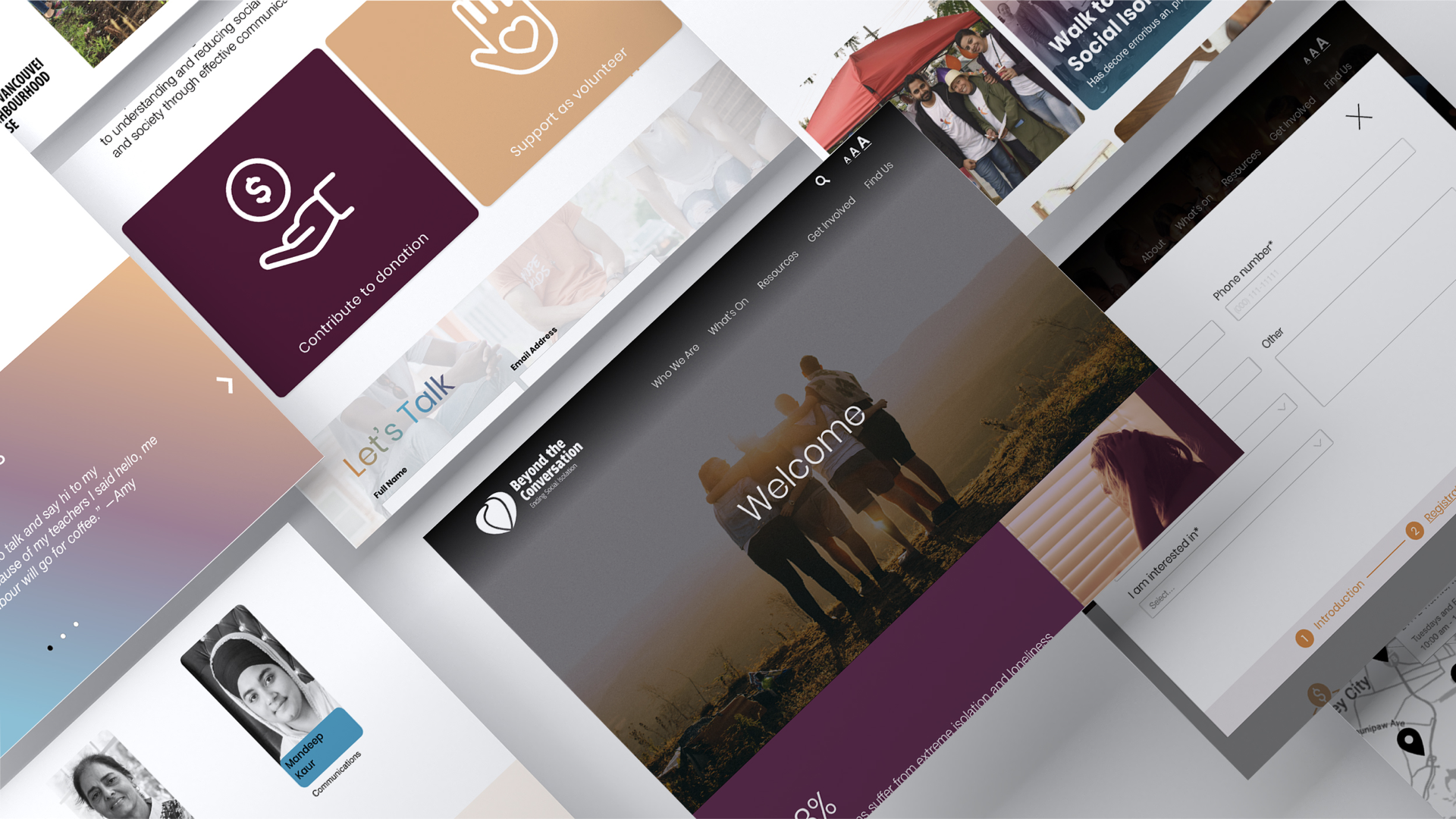
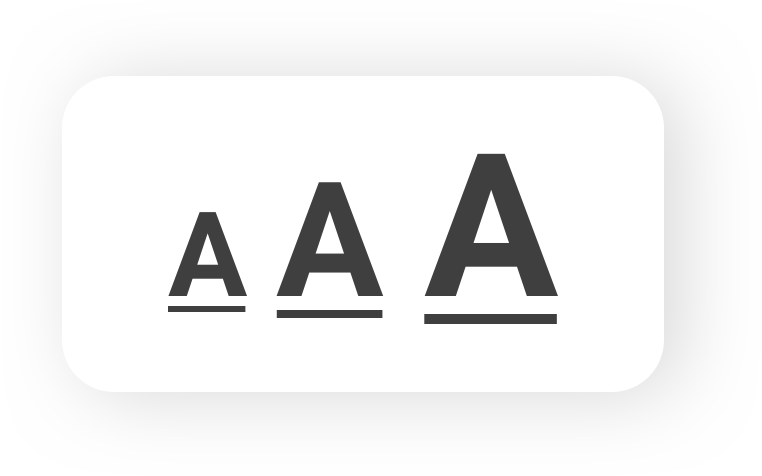
We decided to have a scalable text feature on the top of every page. Users can control text size depending on their preference. Scalable text feature makes all the contents easy on the users’ eye.
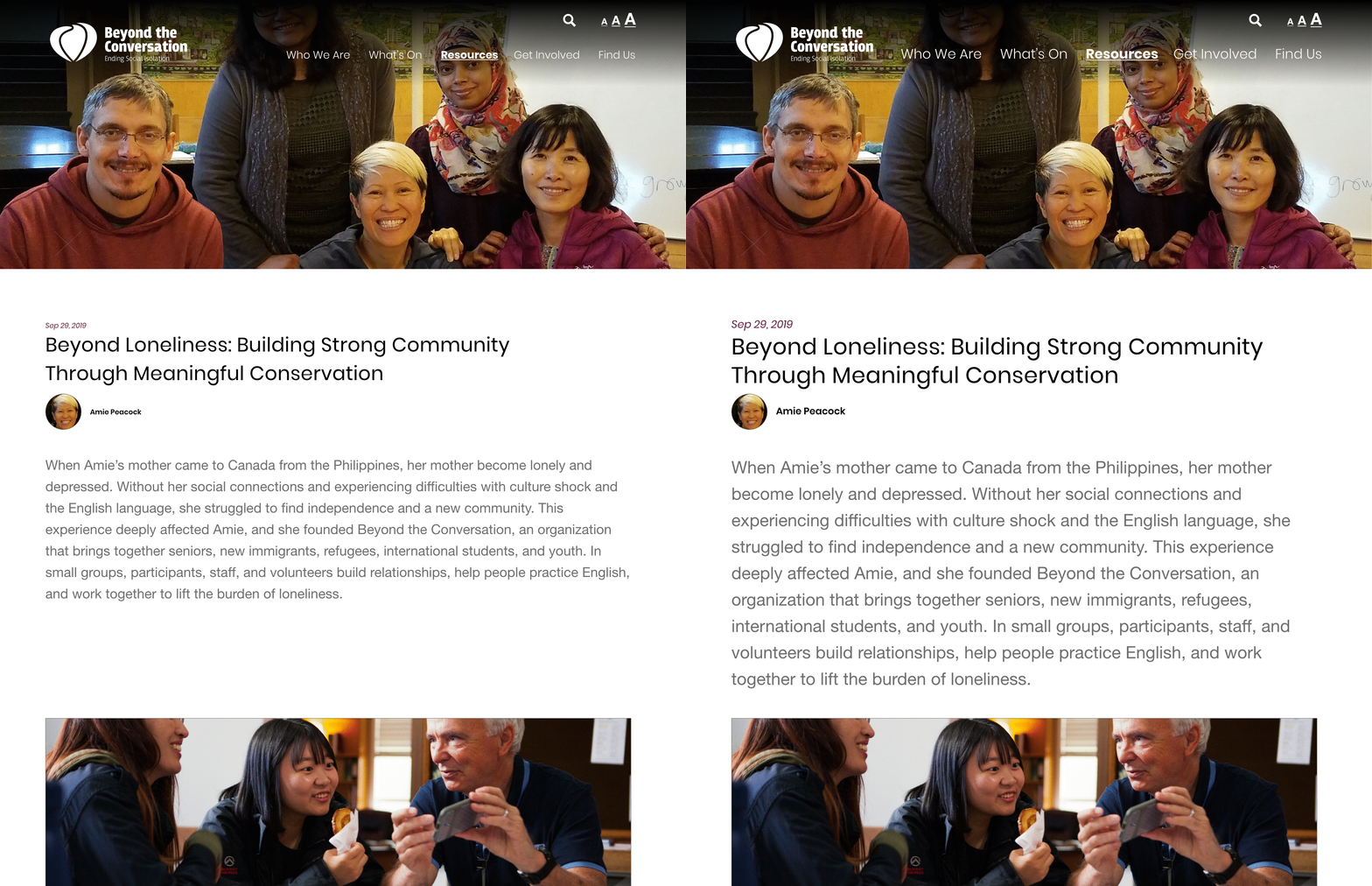
To make website more accessible, we reconsidered information architecture as I mentioned earlier. For example, we reconsidered the way of showing the menu and organized them to avoid users' information overload.


We wanted to ensure that users have trust in Beyond The Conversation, therefore we needed to incorporate this aspect to the new website. To do that, we revised all the information with the client and made sure all the contents are updated, simplified and consistent.
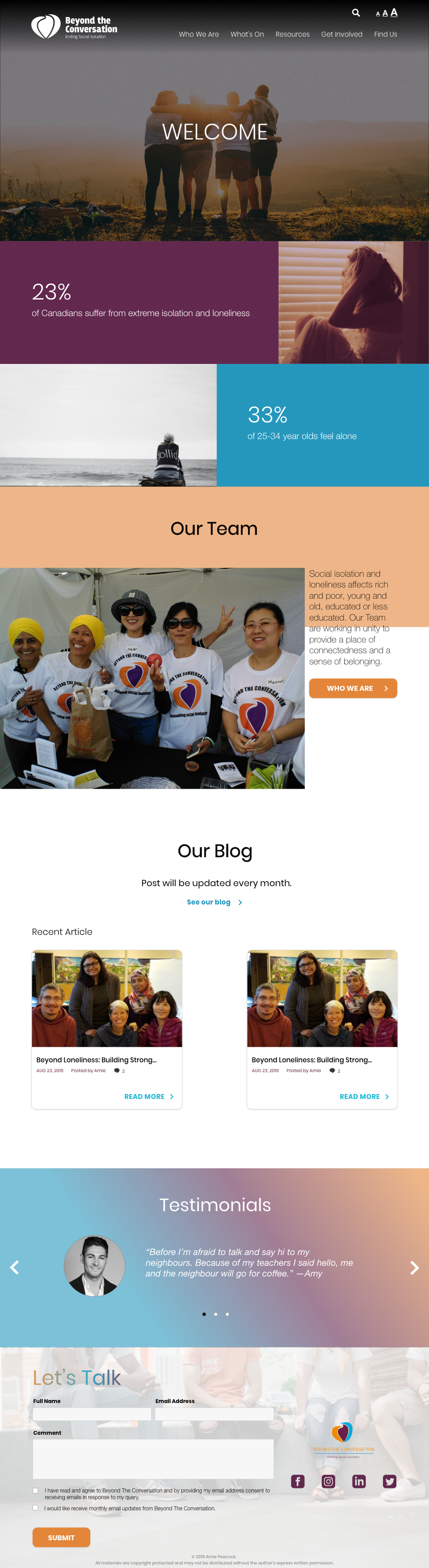
・Prominently displaying quick facts about problems Canadian people currently are facing and testimonials on homepage.
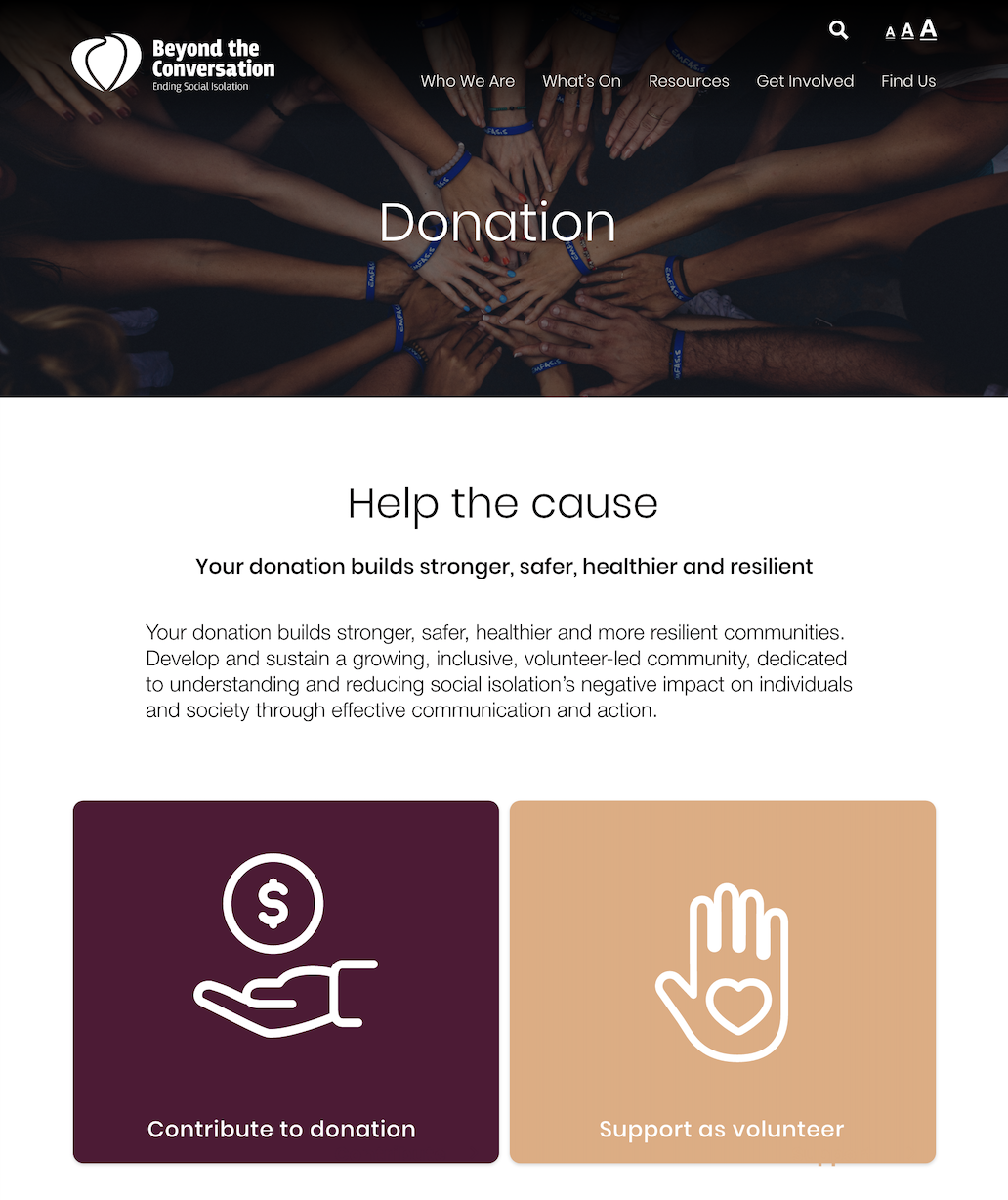
・We provided a description in the Donation section page to inform user things such as how the money the organization received will be used for.
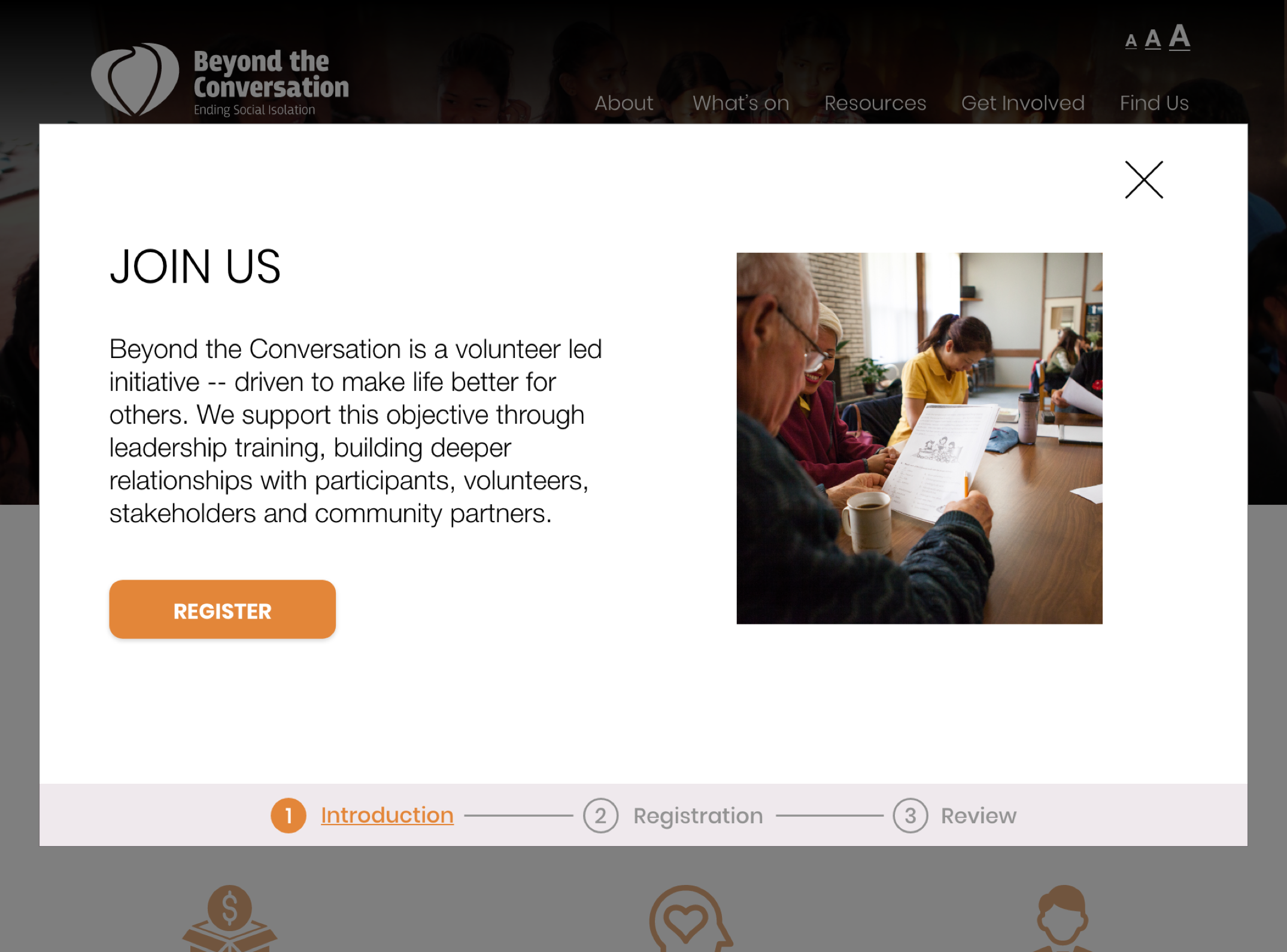
・We designed registration form for joining the volunteer which is simple and only few steps to complete in order not to frustrate user.
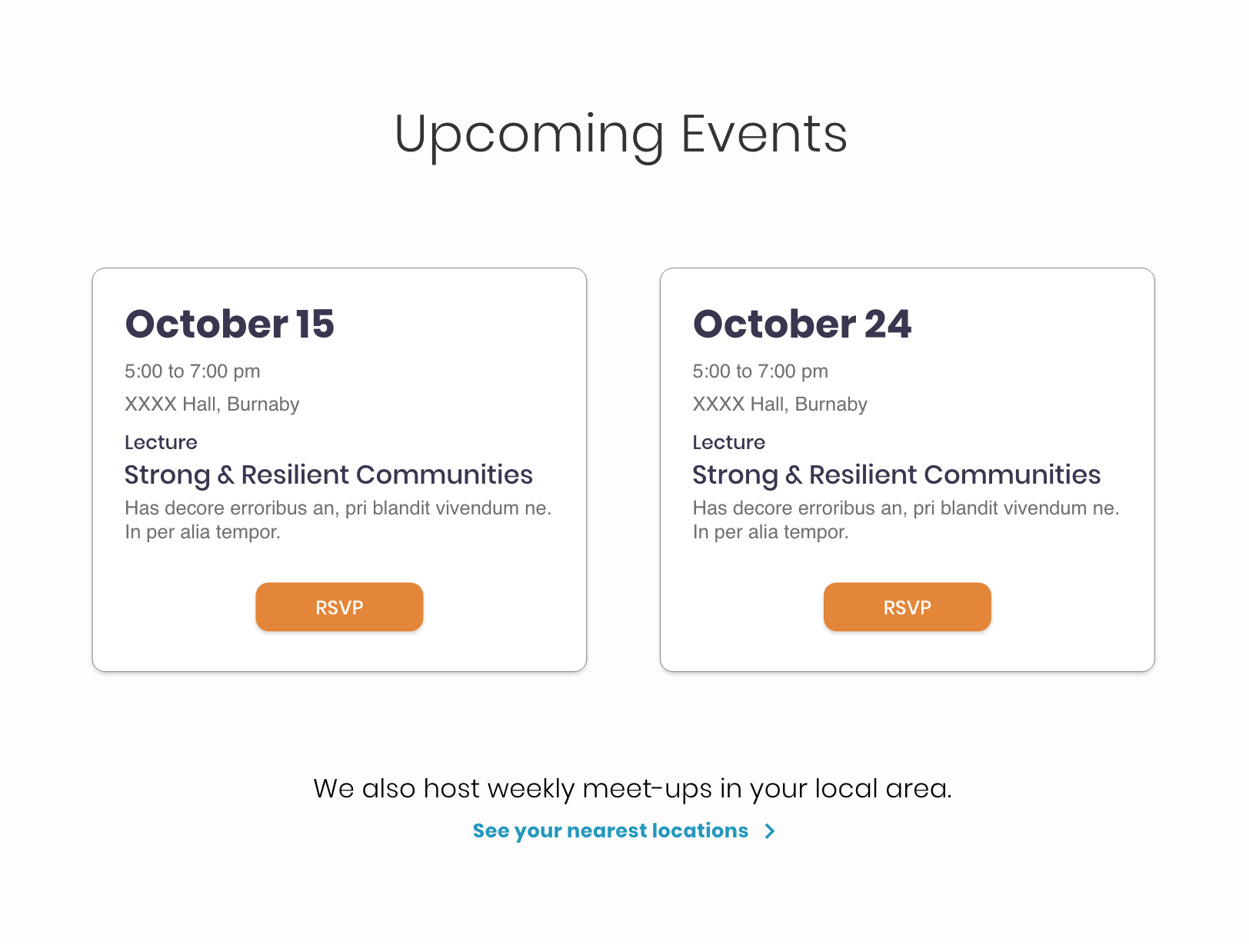
・For the events page, we give consistent information in the upcoming events: Date, Time, Place, Title and brief description of the event with an RSVP button to join the event.
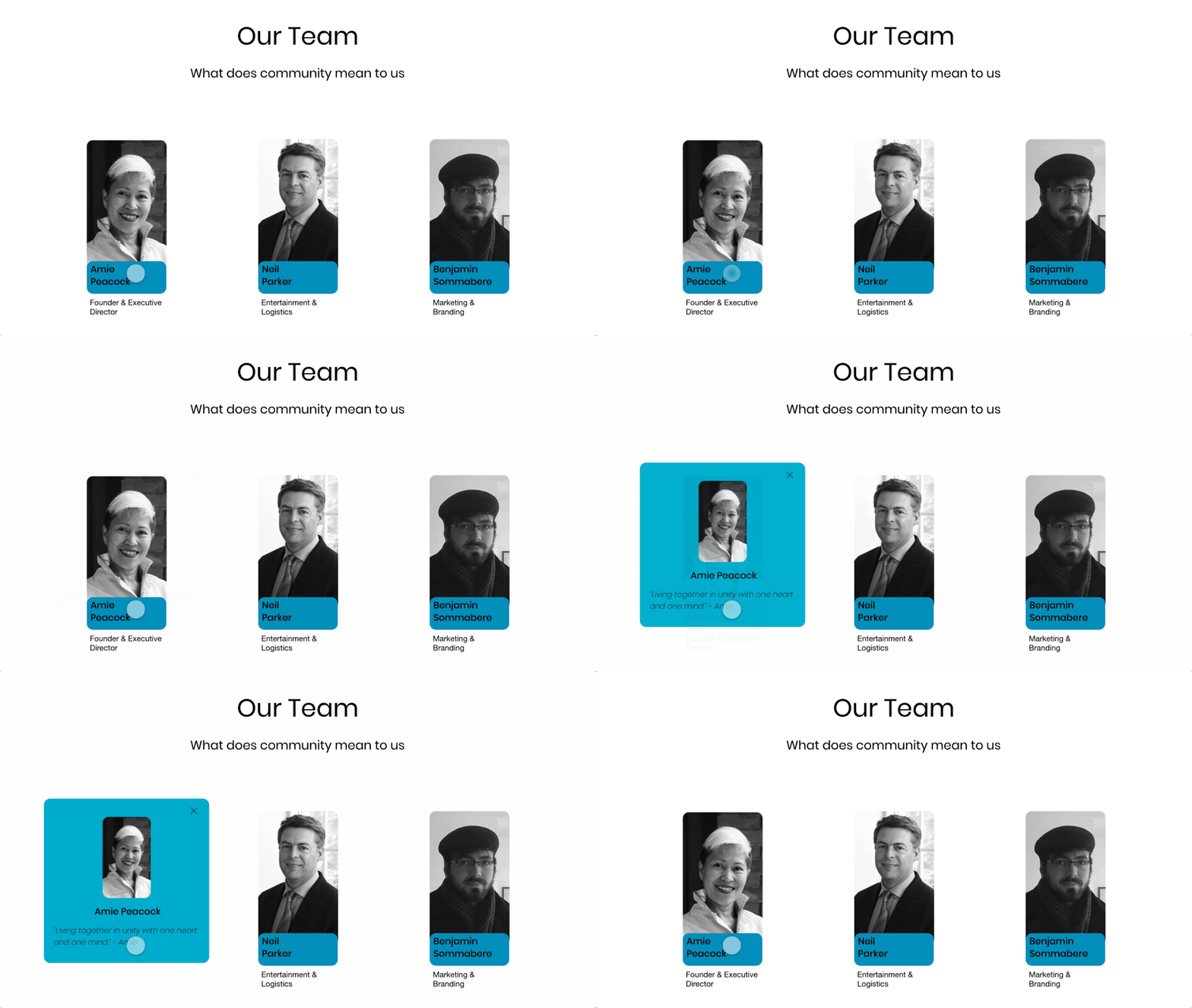
We decided to make the website more visually-appealed to make the website possible to convey the messages that reflect the organization.
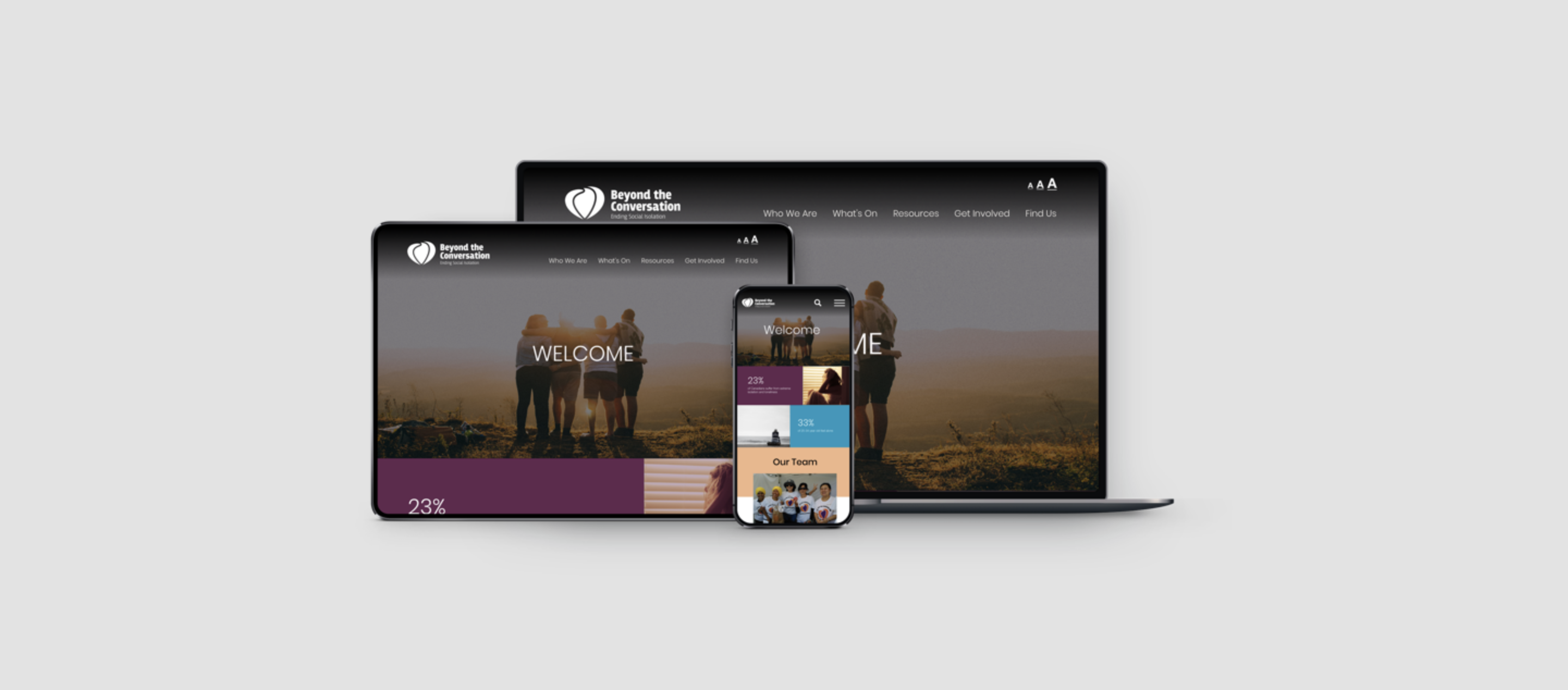
We also designed it for mobile and tablet to make the website more accessible for various users.
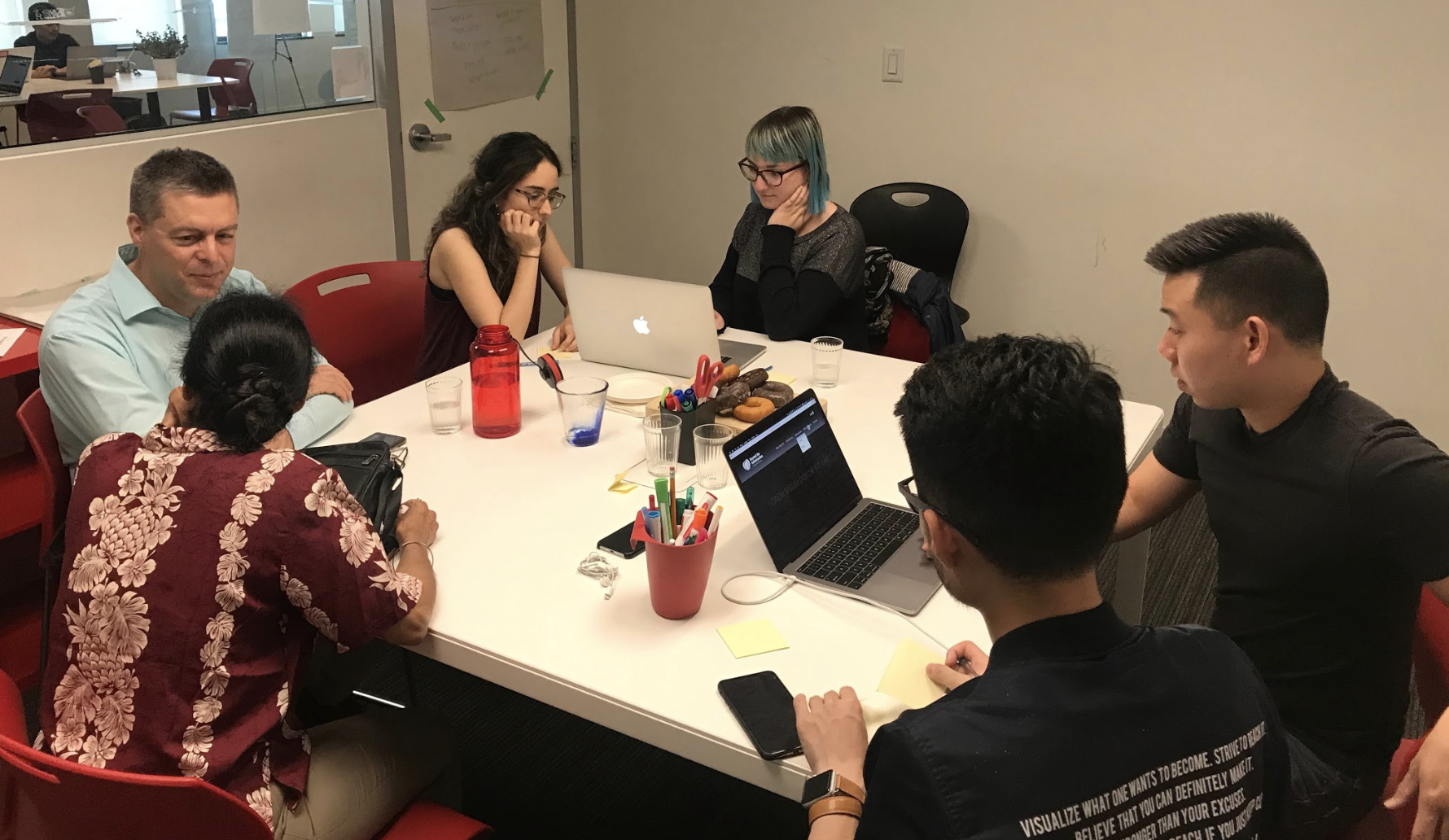
We conducted 7 rounds of usability testing to understand how users interact with website we redesigned, identifying potential problems on the website.
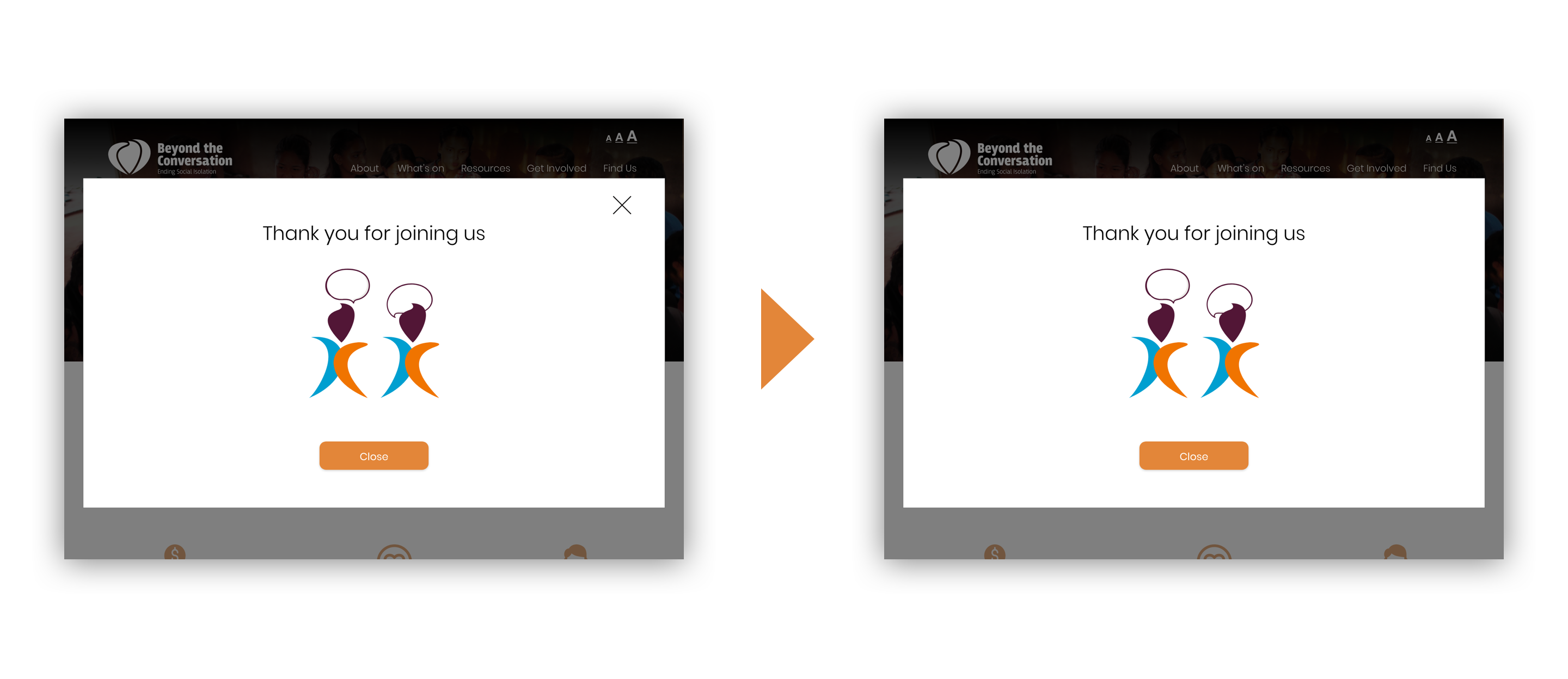
After the users complete the registration form, Close button appears at the last form, but the "X" button which also works as close button confused the users. Therefore, we eliminate "X" buttons to keep the registration form simple and intuitive.
I learned so many things from this project such as how to hand off our designs to the developers. One of the biggest challenges was listening to what the clients need and users need at the same time and we had to think about it depending on the situation. In order to do that, we never compromised to understand users and communicate client regularly to bridge the gaps between users and their goals.
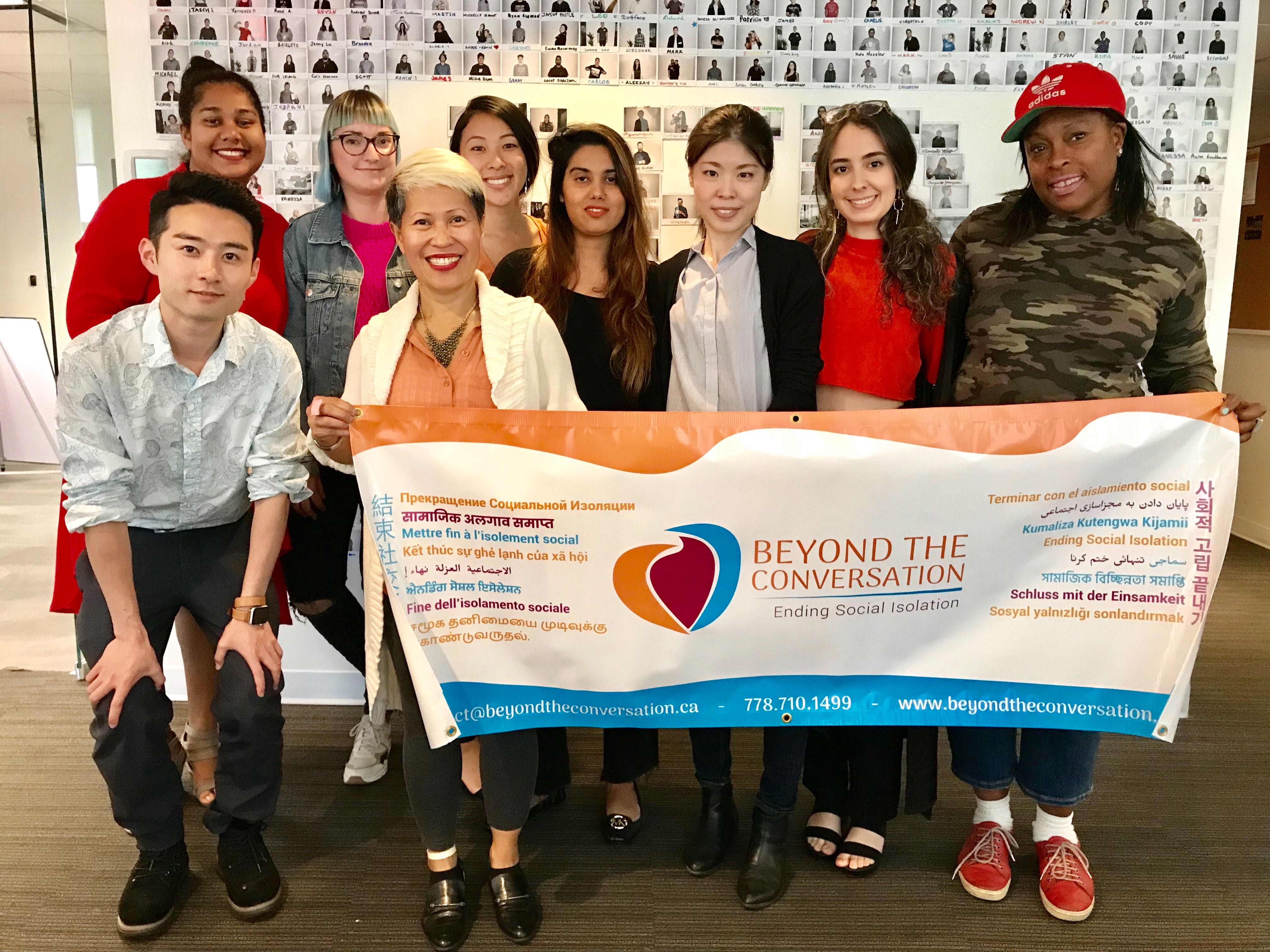
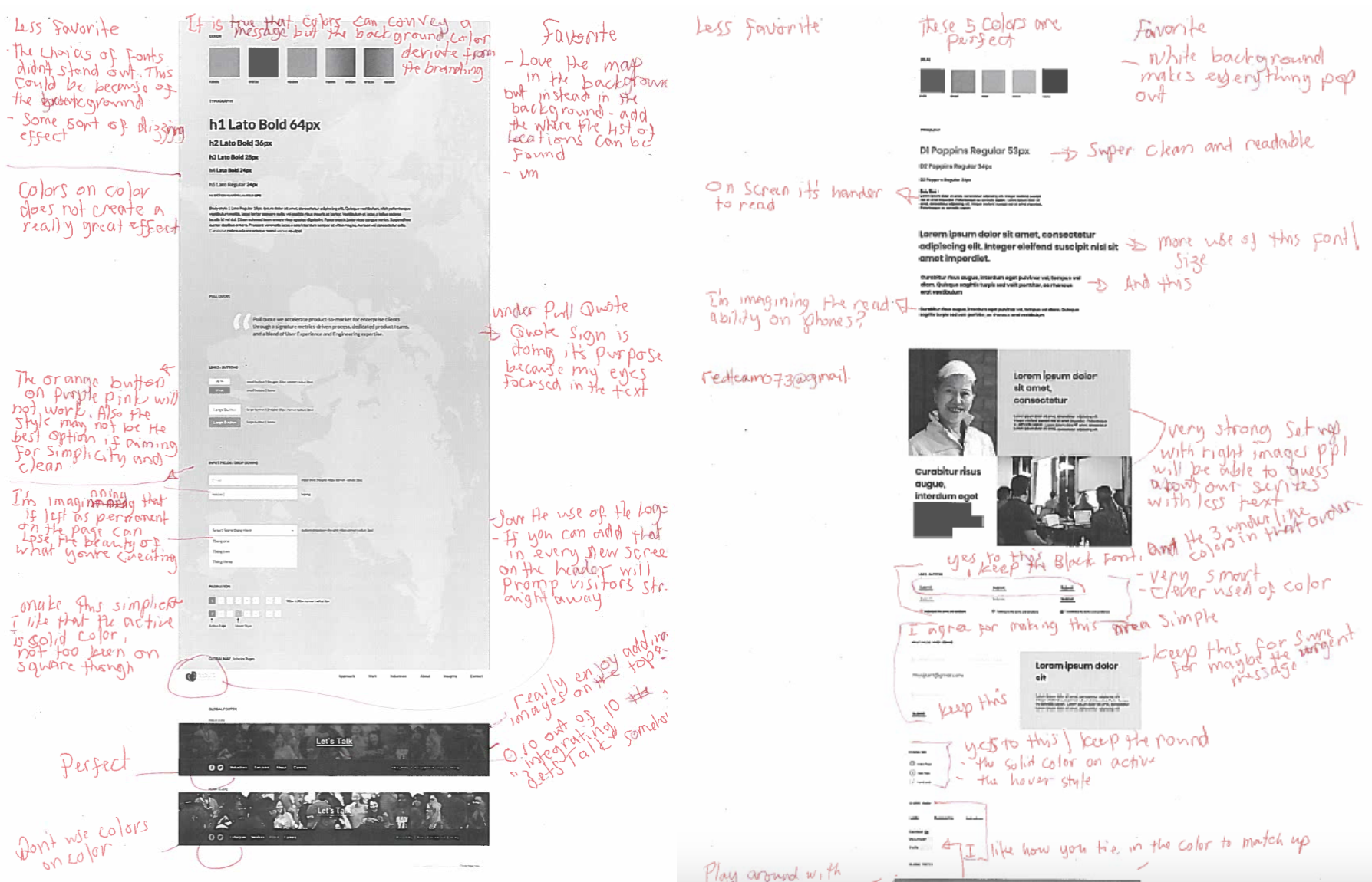
with client team